DF-S01 · SolutionShipping
AI STORAGE · GEN4 FABRIC

AI Storage Expansion Platform.

Aggregate hundreds of NVMe drives behind a single PCIe Gen4 fabric — engineered for the throughput and IOPS AI training pipelines demand.

Ships inside DF-R1
OVERVIEW

High-density NVMe capacity for AI clusters.

A PCIe Gen4 fabric backplane (Tier-1 US PCIe switch silicon inside) that pools NVMe capacity behind a single high-bandwidth interconnect — feeding GPU-heavy training pipelines with the IOPS and sustained throughput they demand.

Deployable as an expansion chassis to your existing AI cluster, or as a purpose-built storage tier. Hot-plug drive replacement, HA-capable topology, and a fabric that scales linearly with drive count.

Built on PCIe Gen4 Fabric Backplane Shipping today
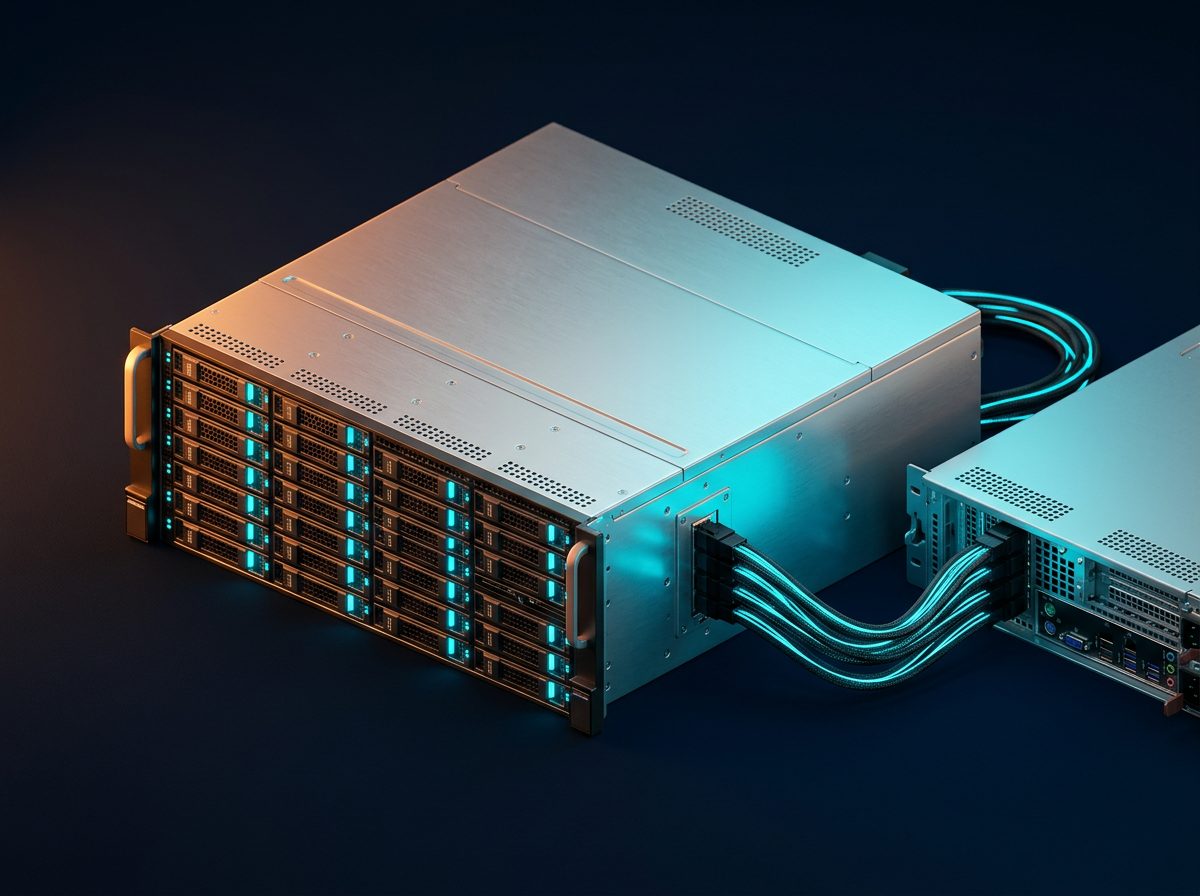
AI Storage Expansion.
ARCHITECTURE

Solution block diagram.

The block diagram shows how the AI Storage Expansion Platform inserts a PCIe Gen4 fabric backplane (Tier-1 US PCIe switch silicon inside) between AI hosts and a large NVMe SSD pool. GPU/Xeon hosts each carry a 16-lane PCIe Gen4 host bus adapter that cable-attaches into the fabric. The switch fabric multiplexes host requests across 24 hot-plug NVMe slots, exposing the pool as native PCIe endpoints — no protocol translation, no network overhead. Result: near-local-NVMe latency at rack-scale capacity for LLM training and RAG workloads.

AI HostXeon/GPU PCIe Gen4 HBA16-lane Gen4 FabricSwitch NVMe Slots24× AI StoragePool
DEPLOYMENT TOPOLOGY

Connection diagram.

The connection diagram is the physical map of a typical deployment. Two GPU host servers each mount a PCIe HBA whose external MCIO cables run to the DF-S01 chassis in an adjacent rack slot. The chassis houses the fabric backplane plus 24 NVMe drive bays. Management traffic exits over a dedicated 10 GbE port to the Datafabrix DCIM. Use this diagram to size cable lengths (≤3 m passive, 3–7 m active), plan rack elevations, and verify PSU wattage against the drive population.

AI Host 1 AI Host 2 AI Host 3 PCIe Gen4 Fabric Backplane PCIe Gen4 · Hot-plug · HA-ready NVMe Bay 1 NVMe Bay 2 NVMe Bay 3 NVMe Bay 4
INTERFACE DETAILS

Interfaces & connectivity.

InterfaceDetails
Host interfacePCIe Gen4 x16 (2× cable-connected)
Downstream24× U.2/U.3 NVMe bays
ManagementSES-3 / SES-2 · Redfish over sideband
Hot-plugSupported (per-slot)
HADual host cabling · MPIO
PowerDual PSU · N+1 redundancy
HOW IT WORKS

Detailed description.

The AI Storage Expansion Platform is a PCIe Gen4 fabric that aggregates 24 NVMe drives into a single logical storage pool. Two host cables carry PCIe Gen4 x16 lanes upstream, delivering 128 GB/s of aggregate bandwidth to the AI compute node.

The Datafabrix Gen4 Fabric Backplane at the heart of the enclosure performs non-blocking PCIe switching. Each downstream slot is fully independent — hot-plug replacement, per-drive telemetry, and lane-width negotiation happen without disturbing the fabric.

For HA deployments, a second host cable can be attached from a peer node. MPIO on the host redirects I/O around any single point of failure. The platform integrates natively with the Datafabrix DCIM Platform for fleet-wide visibility.

Applications

  • AI training dataset caches — Fast, dense storage tier co-located with GPU training nodes.
  • Checkpoint stores — High-write-endurance capacity for periodic training checkpoints.
  • Inference feature stores — Low-latency, high-IOPS retrieval for online inference.
  • Model repositories — Consolidated storage for versioned LLM and vision models.
  • Data-lake acceleration — NVMe caching in front of colder object storage tiers.
USE CASES

Where this solution shines.

LLM training

Feed multi-GPU training nodes with terabytes/sec of dataset throughput.

Vision model training

Sustain image-classification workloads with millions of tiny reads.

RAG inference

Serve retrieval-augmented-generation feature stores at low latency.

SPEC HIGHLIGHTS

Technical specifications.

CategorySpecification
FabricPCIe Gen4 non-blocking switch
Host lanes2× PCIe Gen4 x16 (128 GB/s aggregate)
NVMe bays24× U.2/U.3 (Gen4)
Hot-plugPer-slot
PowerDual PSU · N+1
ManagementRedfish · DCIM-native
Form factor2U rack chassis
TARGET INDUSTRIES

Who deploys this solution.

AI DatacentersHyperscalersEnterprise AIHPCCloud AI
HOW TO DEPLOY · DF-S01

Deploying AI Storage Expansion Platform in your infrastructure.

Where it fits in the rack, how it connects, and what you get after installation.

AI Storage Expansion — cable-attached to GPU host racks.
Deployment illustration · Ai Storage Expansion · DF-S01
42U Rack — customer datacenter Existing Host Servers / Compute DF-S01 · AI Storage Expansion Platform PCIe Gen4 Fabric · Hot-plug ◀── This solution ──▶ Existing Storage Existing Network Ethernet Mgmt · Datafabrix DCIM · Fleet Control
RACK-LEVEL ARCHITECTURE

Where DF-S01 sits in your rack.

24-slot NVMe expansion chassis connected to your GPU/AI training host via PCIe Gen4 fabric. The solution slots into a standard 19-inch rack alongside your existing servers, storage, and network fabric — no re-architecture required.

Target deployments: AI training clusters where GPU compute is starved for storage bandwidth.

  • Cabling: standard PCIe host adapter → PCIe cable → DF-S01 chassis
  • Power: standard C13/C14 rack PDU, 1+1 redundant PSU option
  • Management: 10 GbE + IPMI/BMC out-of-band + Datafabrix DCIM integration
  • Cooling: fits standard rack thermal envelope, no liquid cooling required
01

Install in rack

Slide the DF-S01 chassis into a standard 19-inch rack slot. Rail kit included. Cable to your PDU and management network.

02

Connect PCIe host

Install the Datafabrix PCIe host adapter in your existing server. Connect via PCIe cable to the DF-S01 backplane uplink.

03

Populate the fabric

Insert NVMe drives, GPUs, or accelerators into hot-plug slots. Each device trains and appears as a native PCIe endpoint on the host.

04

Manage & scale

Optional: connect to Datafabrix DCIM for fleet-wide visibility. Add more chassis for horizontal scale — no host reconfiguration.

🎯

GPU AI training racks

Direct rack integration alongside your existing production servers. Turnkey in a single deployment window.

📈

Enterprise storage tiers

Scale from a single chassis pilot to full-rack production with zero architectural change.

🔧

Hyperscale flash pods

OEM-ready configuration for organizations building their own branded infrastructure products.

Ready to design a rack around it?

Engineering pilots, reference designs, and OEM co-design programs — we work with your team from concept to production.